
The AI CRM for Real Estate Investors. It's Read the File.
Emails, texts, calls, notes, documents. The AI knows the deal it's helping with.
Generic AI gives generic help
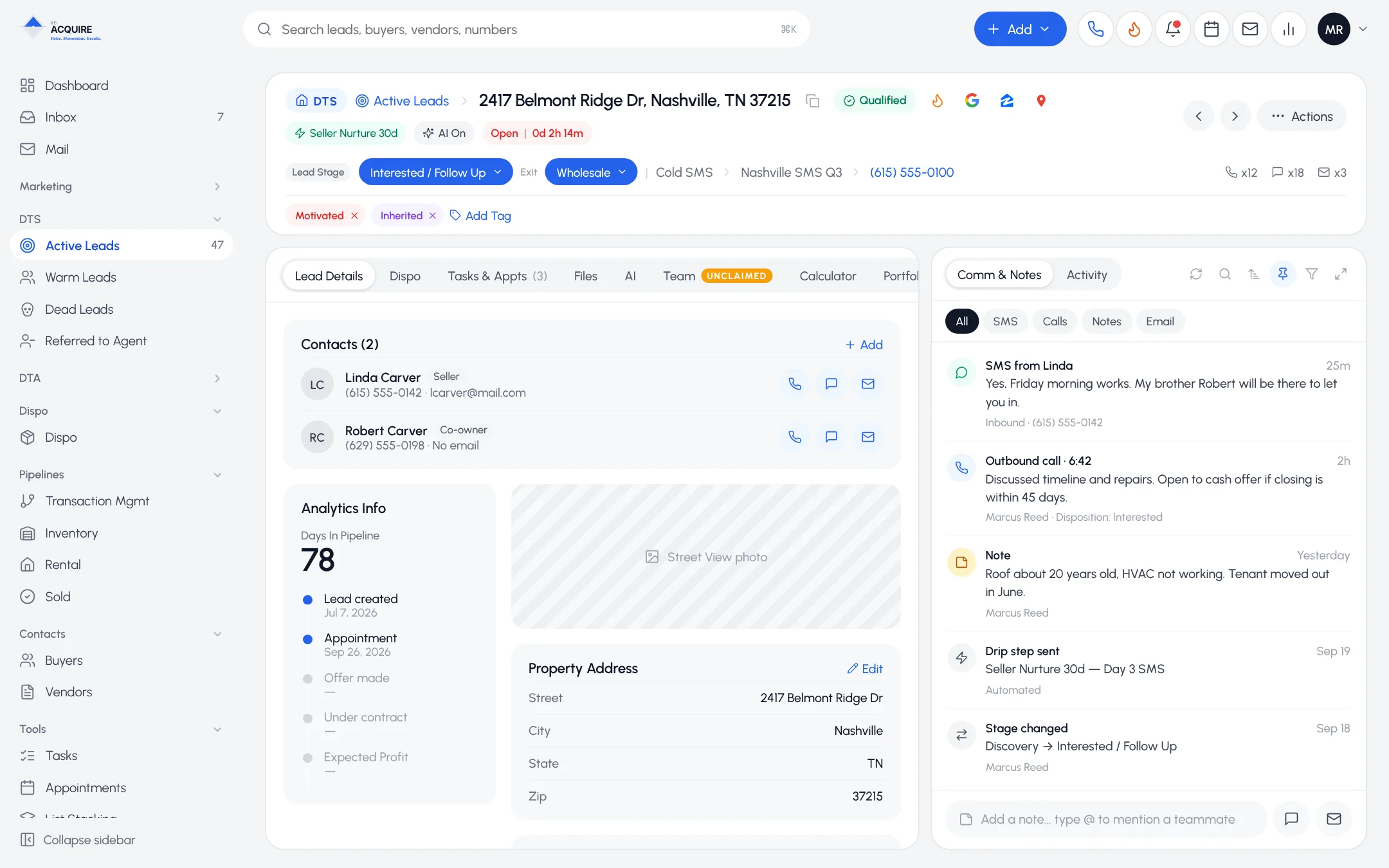
A chatbot doesn't know she turned down your first number in March. Your CRM does. So should the AI.
What it knows
Every lead, buyer and vendor record carries an AI layer built from:
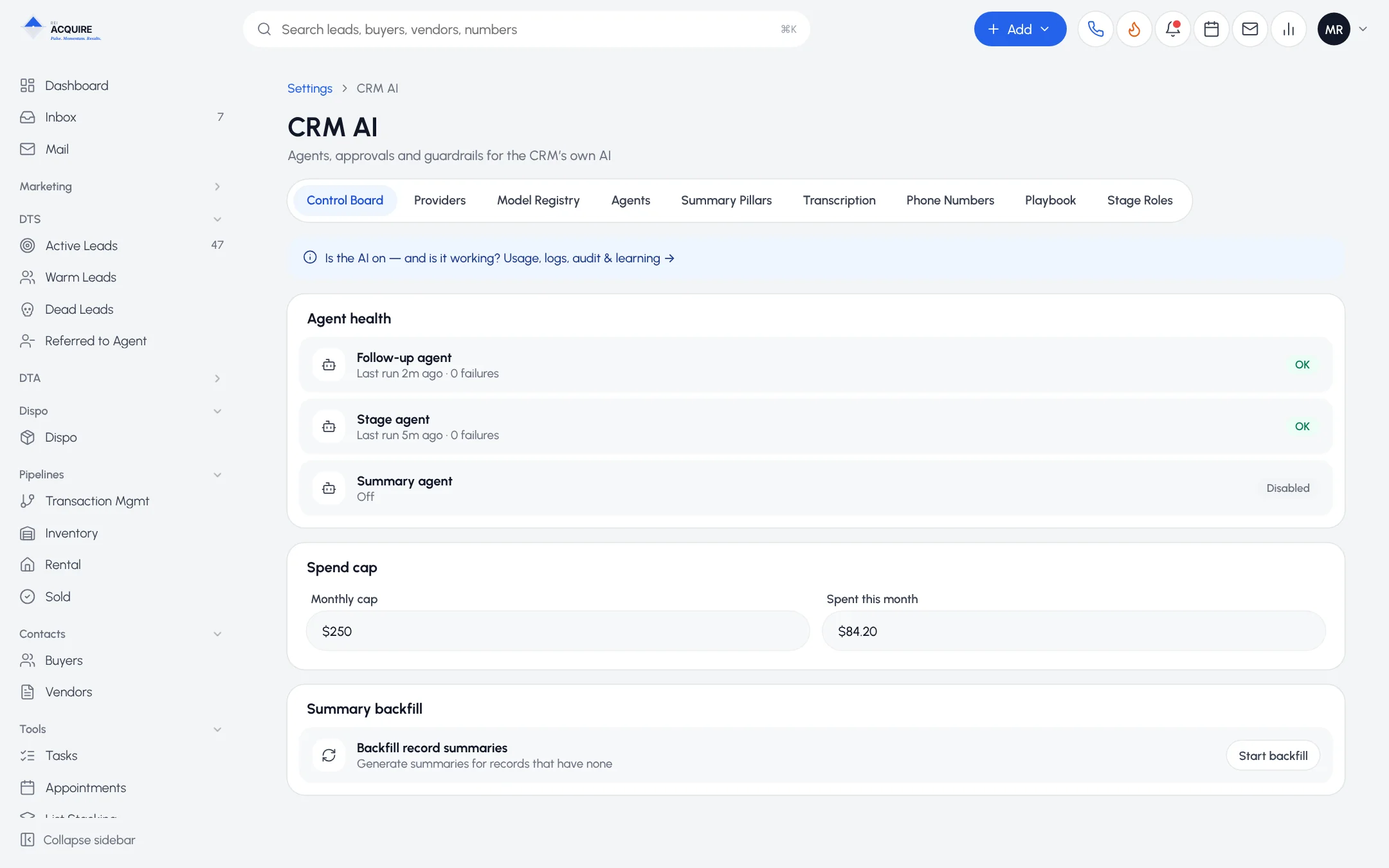
Ask AI
"What were her objections?" "What have we offered?" Answered from the record. Got it wrong? Correct it. It keeps the correction.
Draft with AI. Improve.
A first draft of the follow-up, or a sharper version of yours. The rep still hits send.
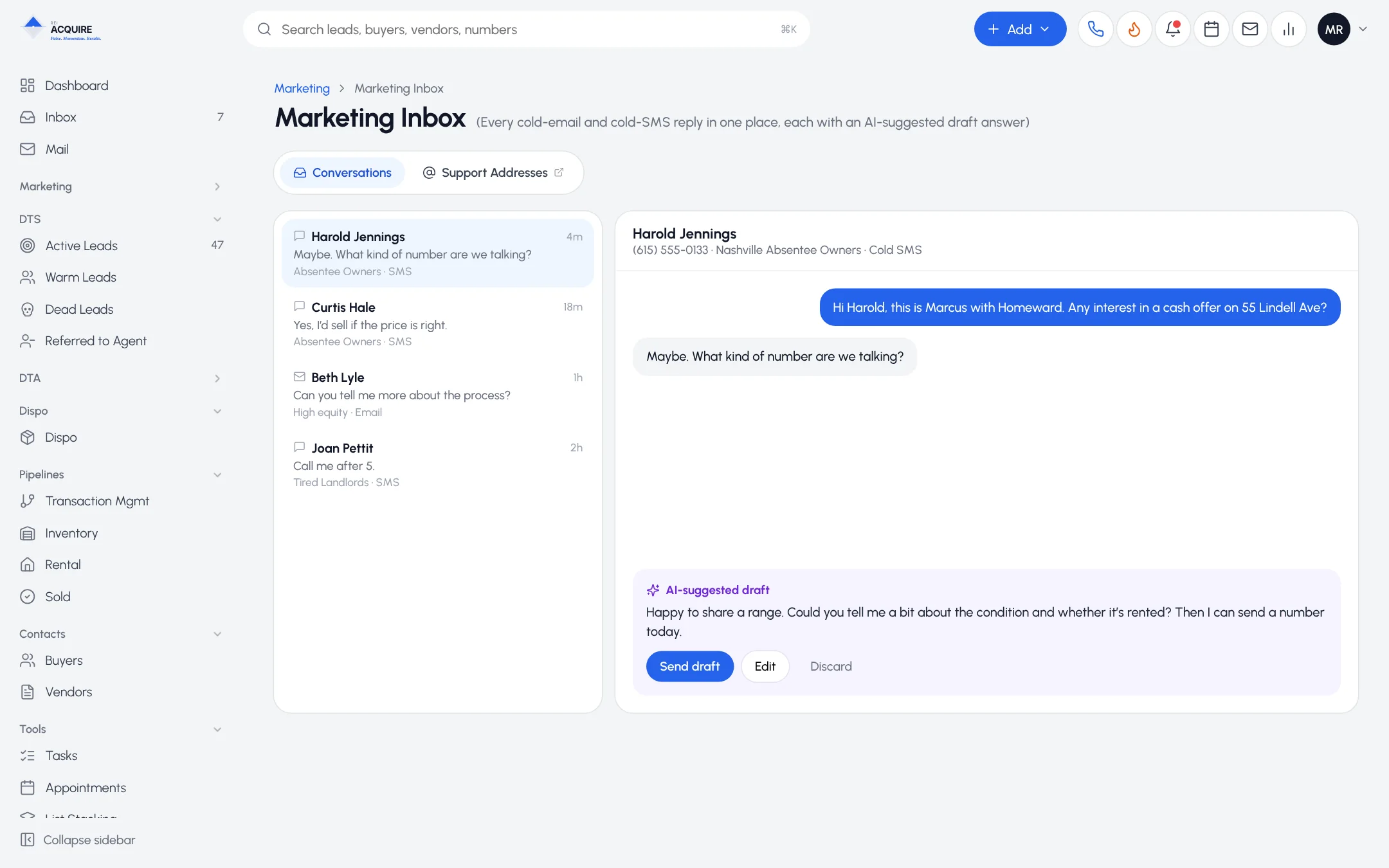
AI actions. Human approval.
AI prepares the action. It waits in an approval queue. A person releases it.
Automate the prep. Keep the decision.
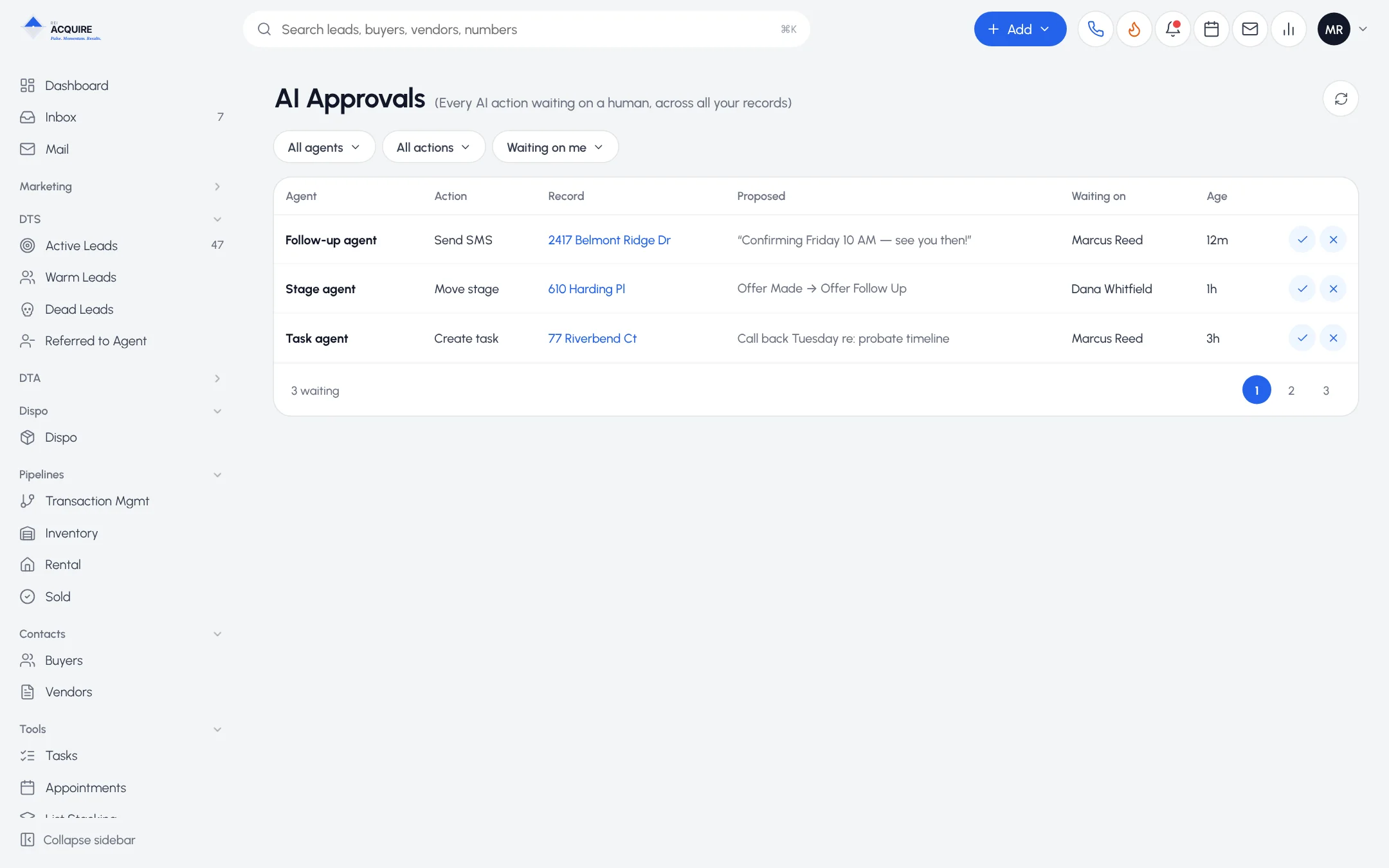
Controls
- Daily spend limits
- Configuration permissions
- Usage visibility
- Separate access for setup and for spend
Frequently asked questions
What does the AI base its answers on?
The information on the record in your CRM.
Can it send messages without approval?
You decide. An approval workflow can hold AI-prepared actions until someone releases them.
Can I cap AI costs?
Yes. Daily spend limits are built in.
Ask it about a real deal. Free.
Try it. Tell us where it gets things wrong. We'll improve it.