
E-Signature
E-Signature for Real Estate Investors. Built Into the Deal.
Send it. Get it signed. Keep it on the record.
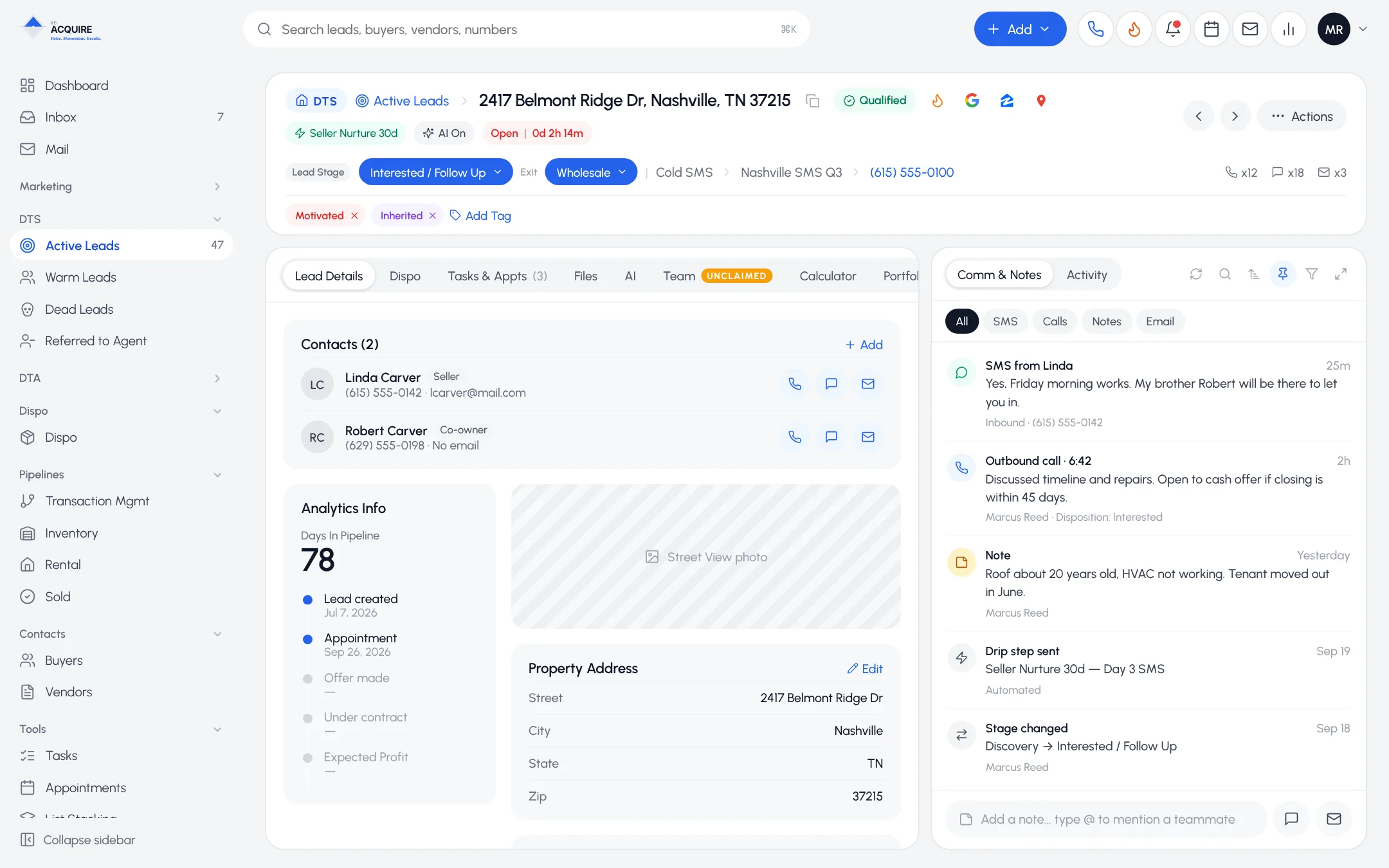
The seller said yes. Don't lose an hour.
Open another app. Find the template. Retype the name, the address, the price. Every step is a delay at the worst possible moment.
Send from the record
- Templates. Set up your agreements once.
- Prefill. Names, addresses and deal details come from the CRM.
- Signing links. Sent by email. No account needed.
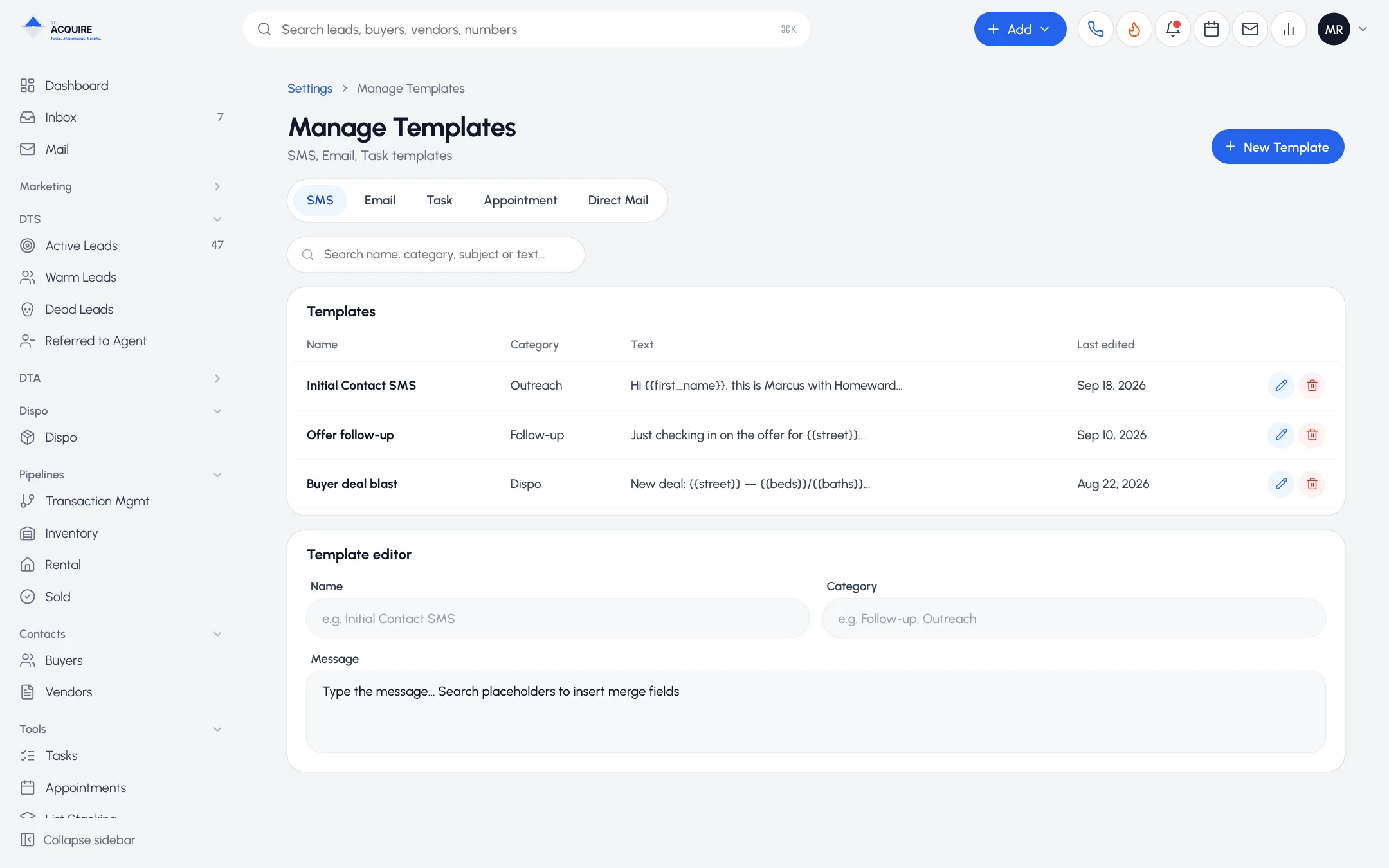
What comes back
- the signed PDF
- a certificate of completion
- both stored on the record
When title asks for the executed contract, it's on the deal.
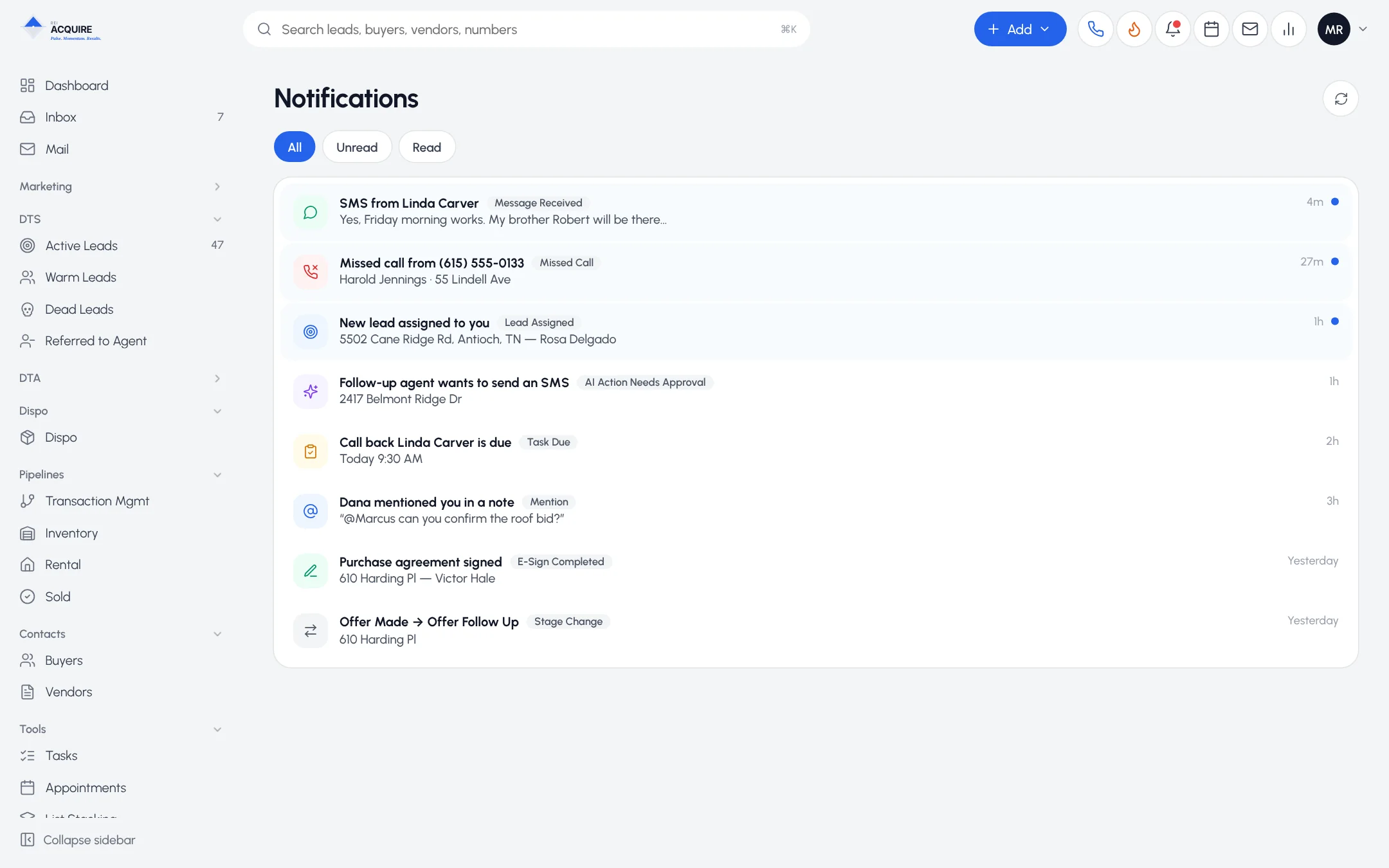
Both sides of the deal
1
Purchase agreements to sellers.
2
Assignments to buyers.
3
Agreements to vendors.
One signing tool.
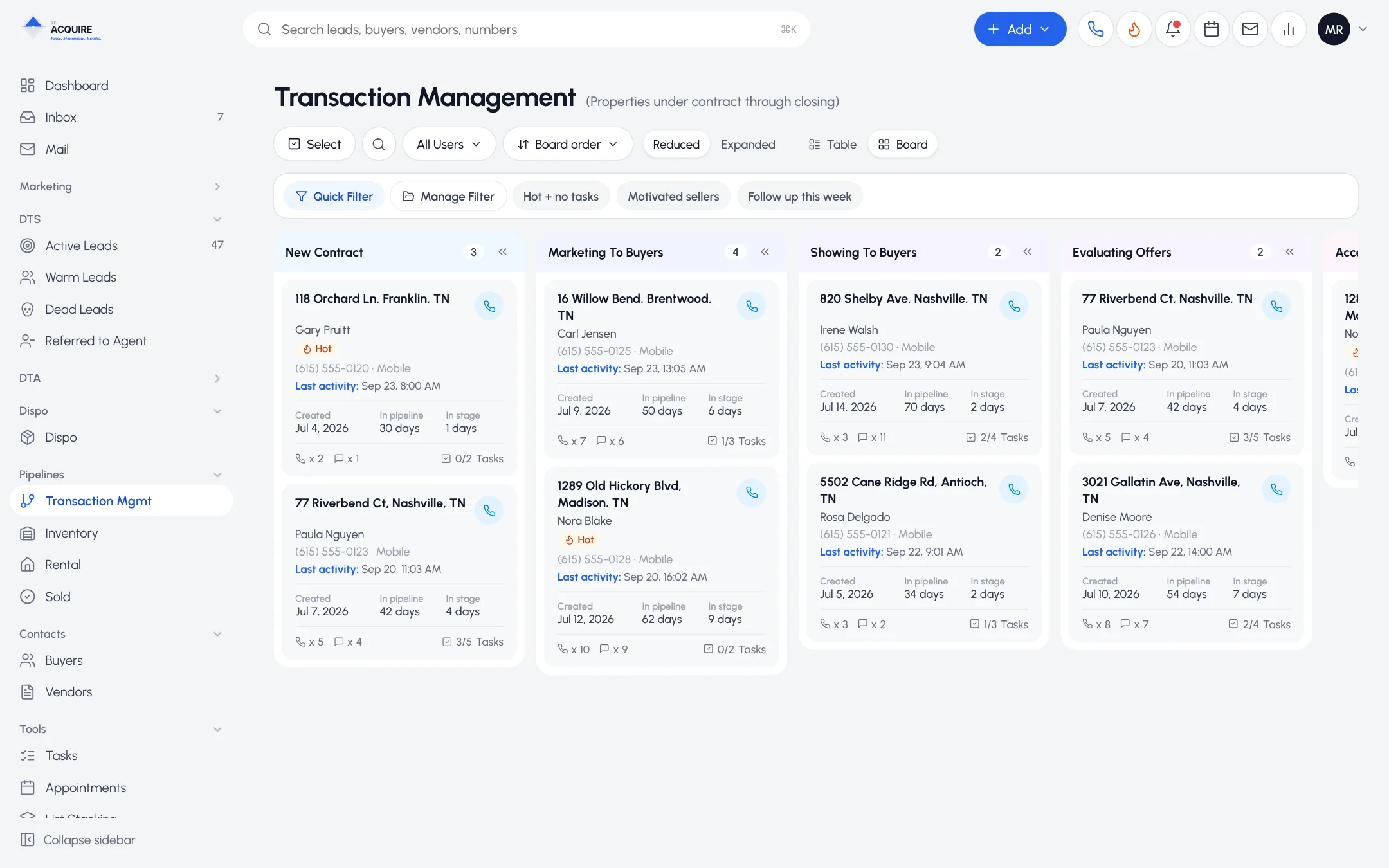
What a signature starts
A signed purchase agreement hands off to Transaction Management. On the buyer side it's the last step before closing in Dispo.
Frequently asked questions
Does the signer need an account?
No. They sign from an emailed link.
Where is the signed contract stored?
On the record it was sent from, with its certificate.
Can I use my own contracts?
Yes, as templates. Have your attorney review your documents.