
Multi-Channel Marketing
Real Estate Drip Campaign Software for Every Channel
One audience. One campaign. Four channels.
One list. Exported four times.
Dialer. Texting tool. Email tool. Now four copies of one audience, each with its own idea of who replied and who opted out.
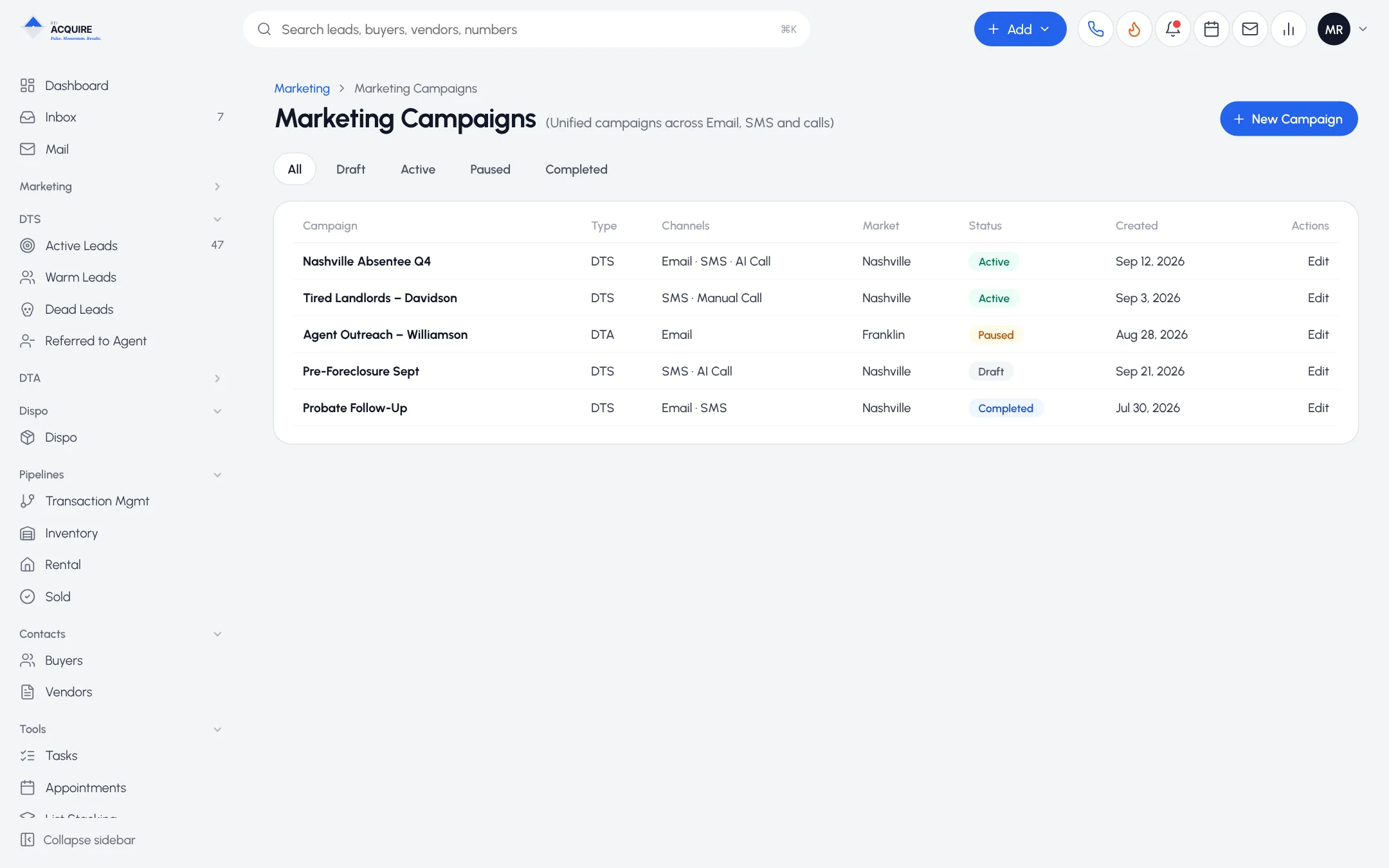
One campaign around the seller
- Email from your sending mailboxes
- SMS to the mobile numbers on your list
- Rep-dialed calls through the dialer
- AI calls through the AI Dialer
Sellers don't always answer the first channel. Reach them on the next.
How a campaign runs
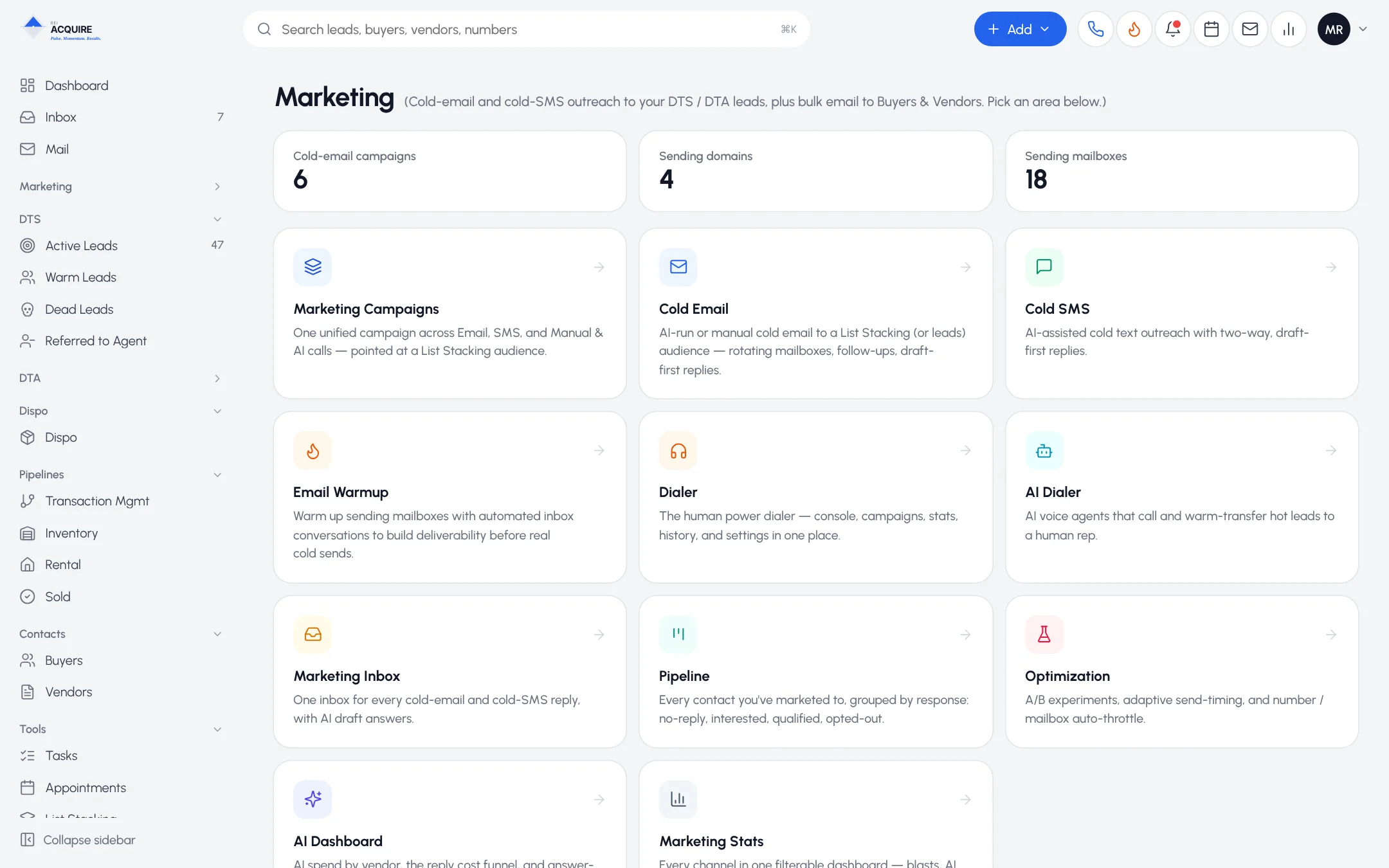
AudienceEmailSMSRep callsAI callsOne inboxOpt-outs enforcedPipeline
1
Build the audience from stacked, deduplicated lists.
2
Set the touches across the channels you want.
3
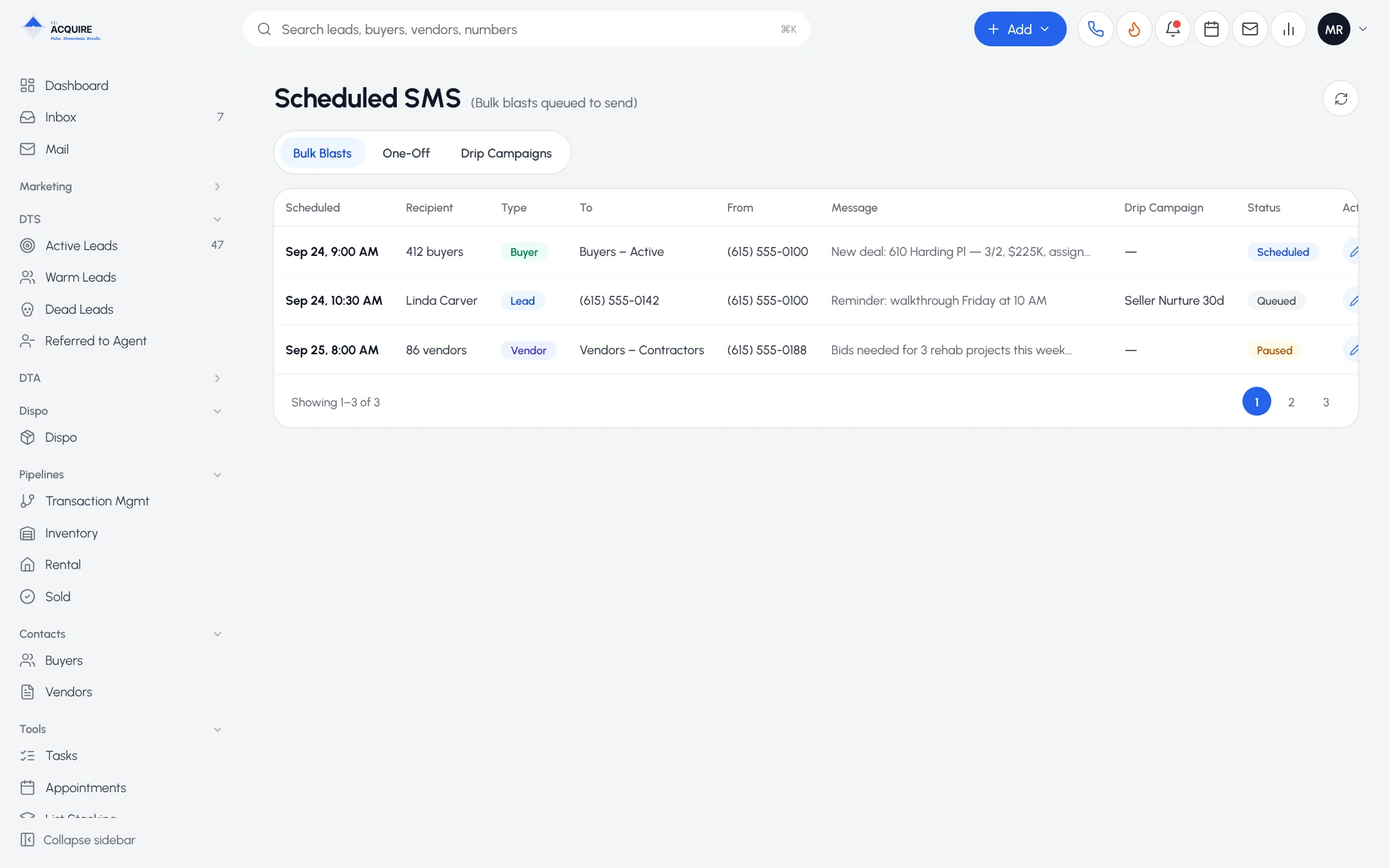
Work replies in the unified inbox, grouped by seller.
4
Let opt-outs apply at send time.
5
Move engaged sellers into the pipeline.
See it before it sends
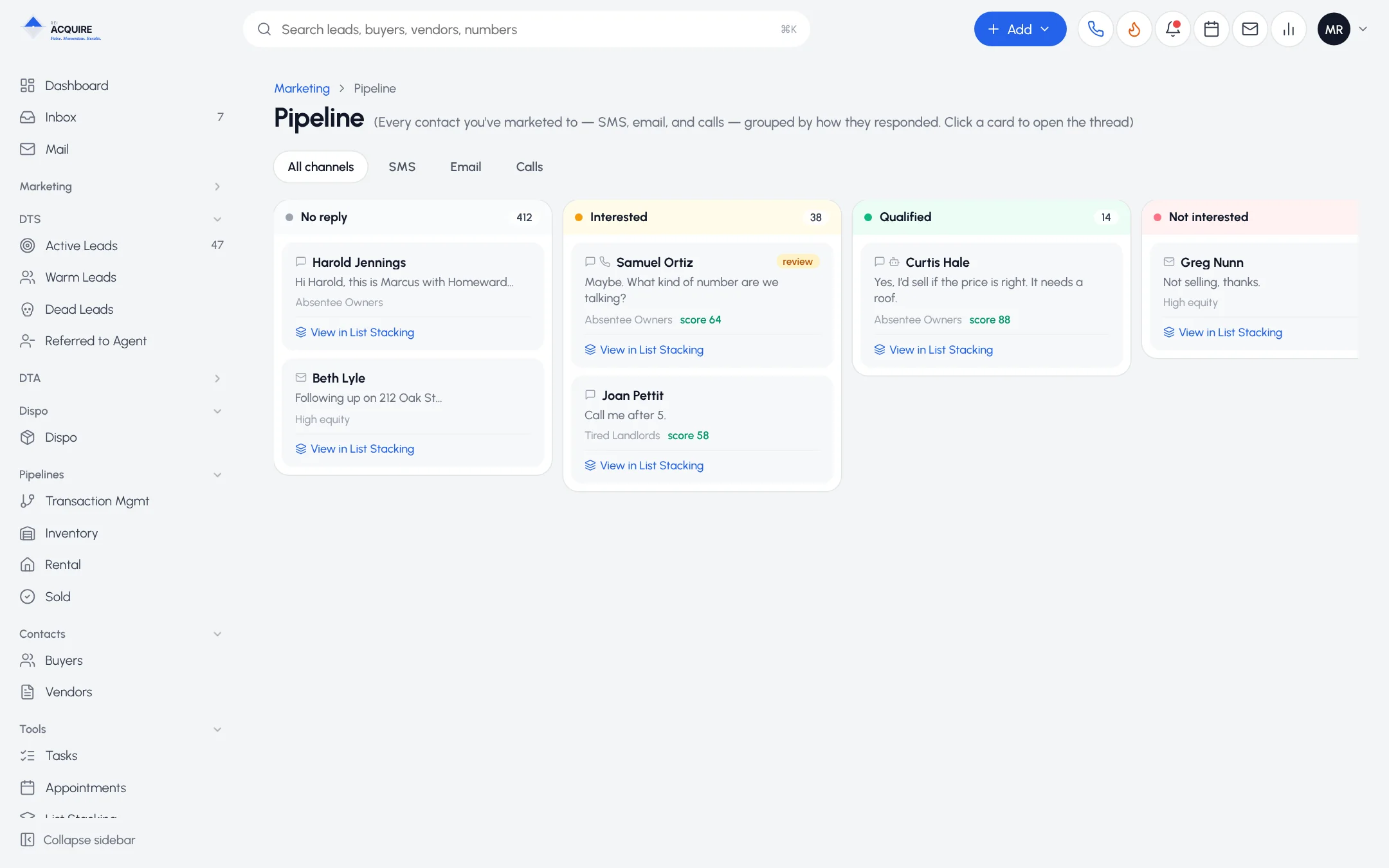
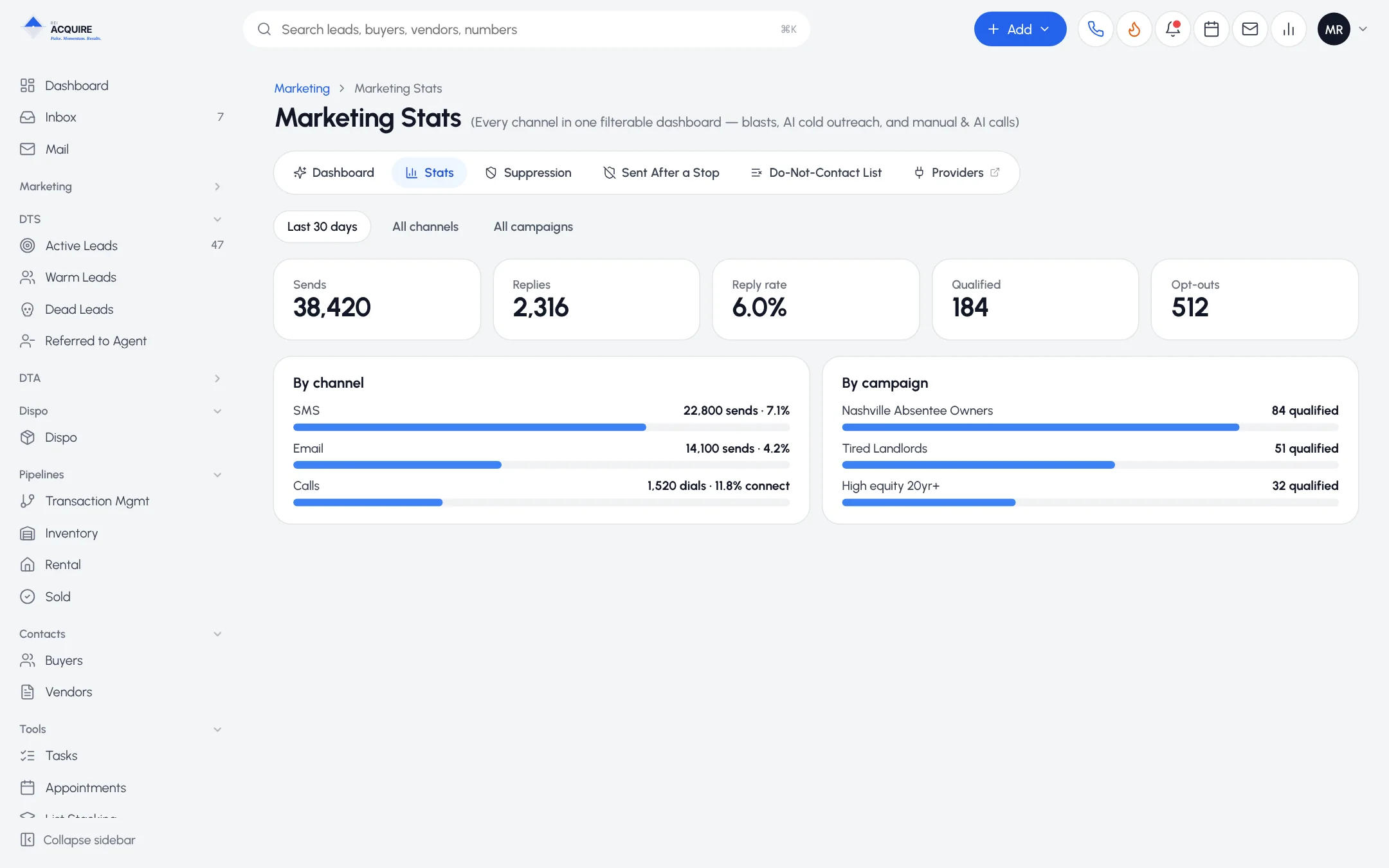
Scheduled and drip messages are visible in advance. Stop one, or stop them all.
Frequently asked questions
Do I have to use every channel?
No. Use what fits the audience.
Where do replies go?
To the unified inbox, grouped by lead.
What if a lead opts out mid-campaign?
The opt-out is recorded centrally and applied before the next message or call.