
Team Management
The Acquisition Team CRM Built for More Than One Login
Decide who sees what. Coach live calls. Keep your setup safe.
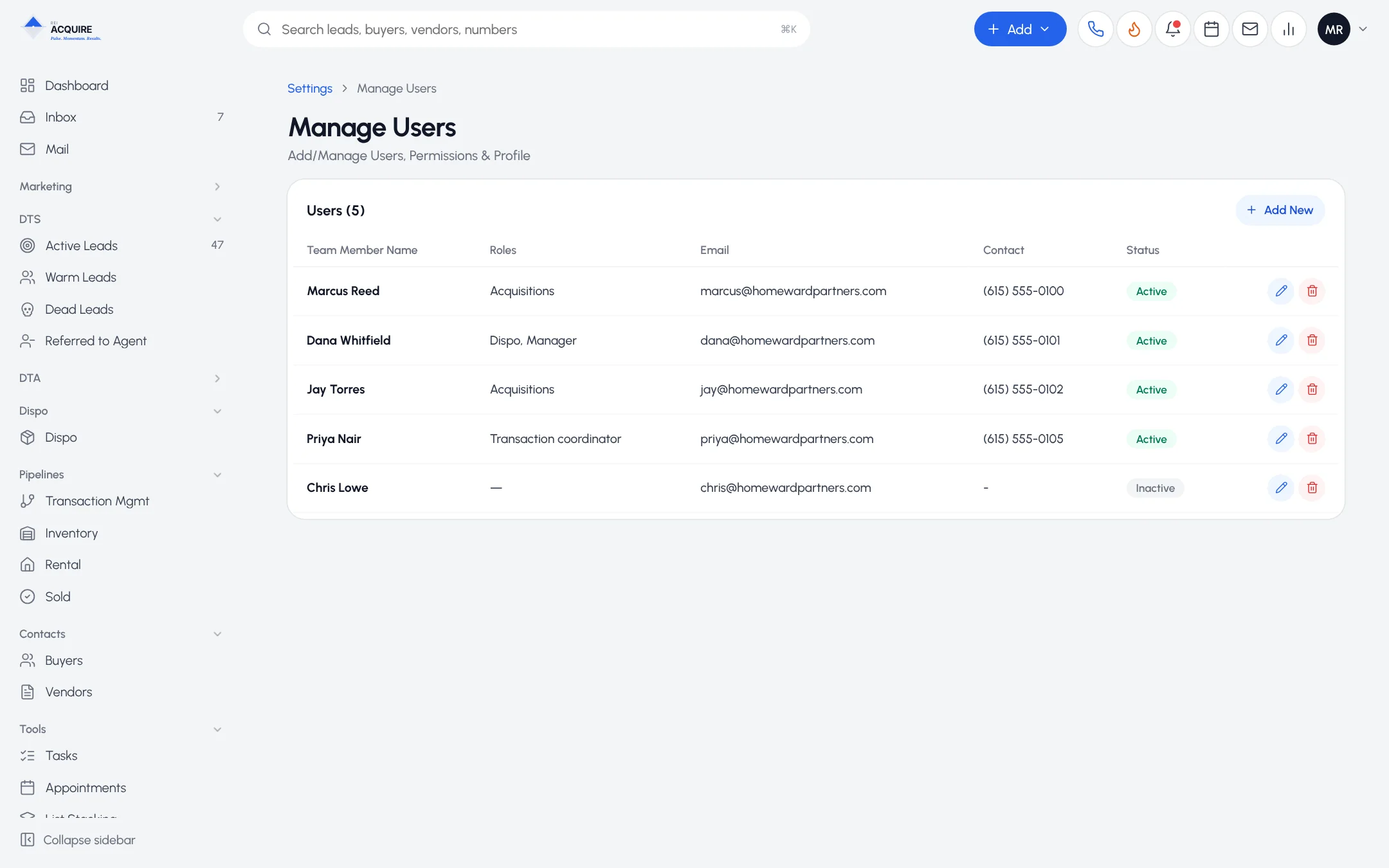
Two partners can share everything. Twelve people can't.
The new caller doesn't need your buyers list. One market's team doesn't need another market's leads.
Per-user permissions
Three levels, set for each person:
No Access
View Only
Full Access
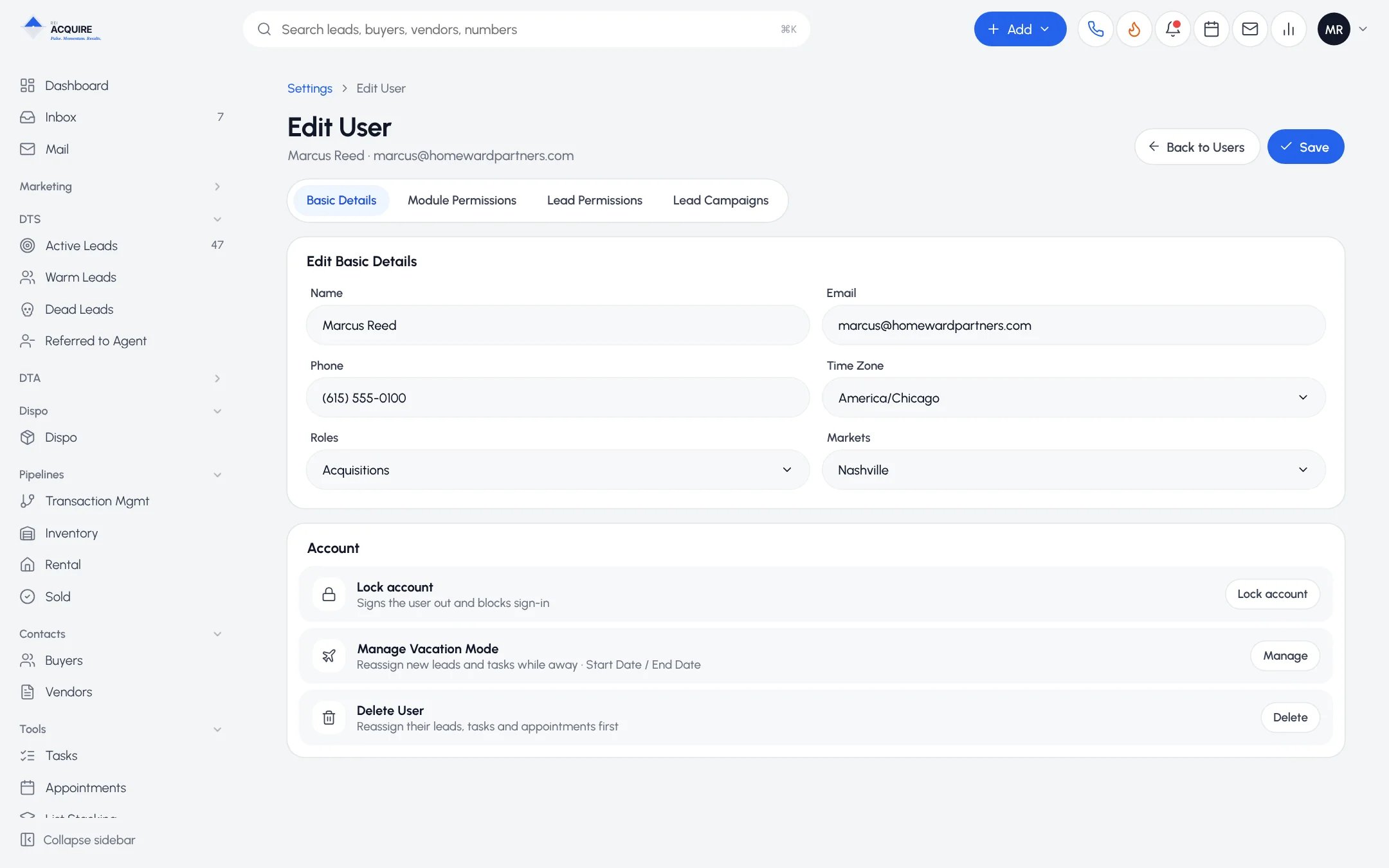
1
Pipeline and stage access
Lead managers work early stages. Closers work late ones. Coordinators pick up after contract.
2
Market-based access
One geography per team. The rest stays out of view.
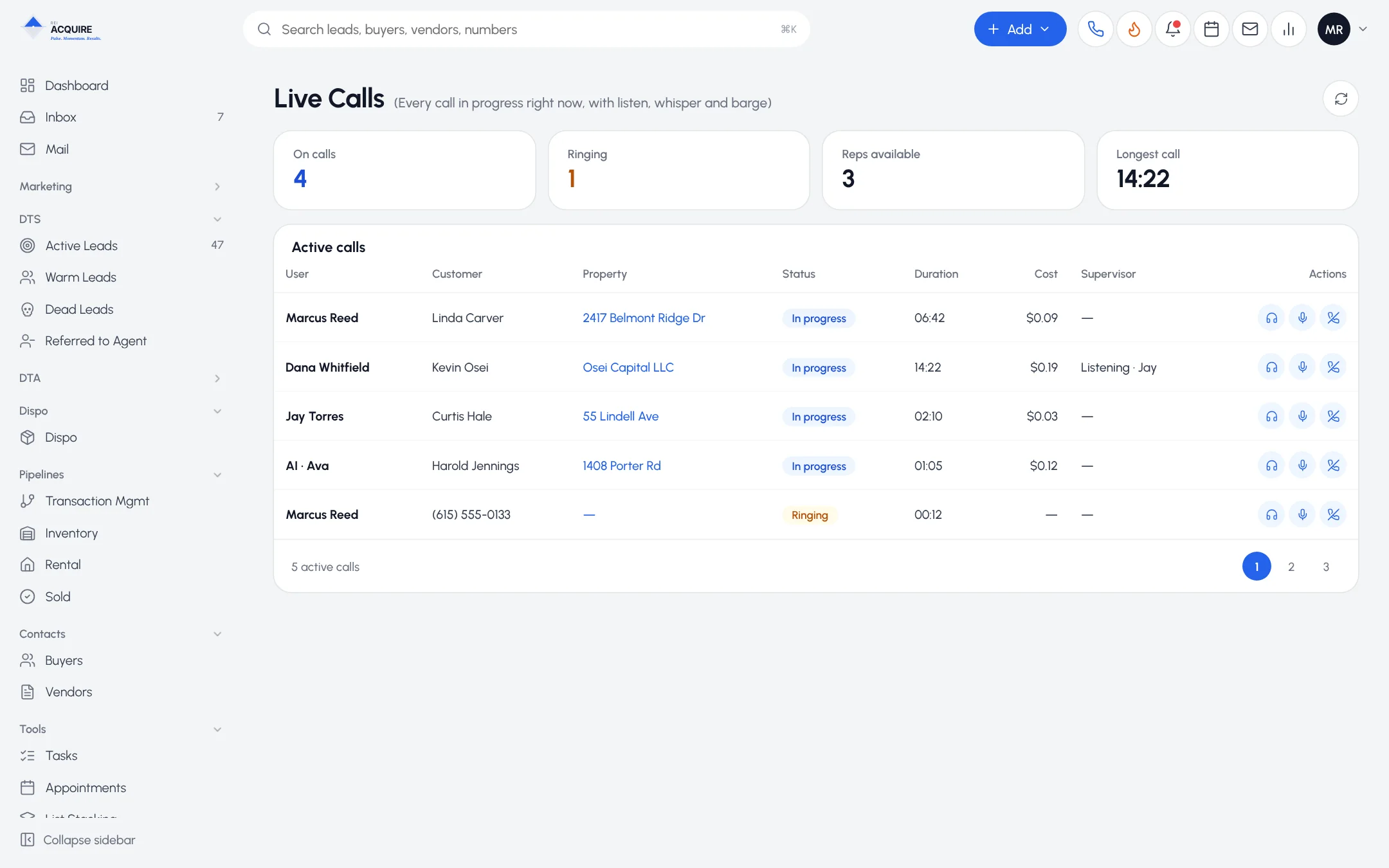
Work the deal together
- Shared inbox and voicemail
- Internal notes and @mentions
- Shared saved filters
- Assignments in the activity feed
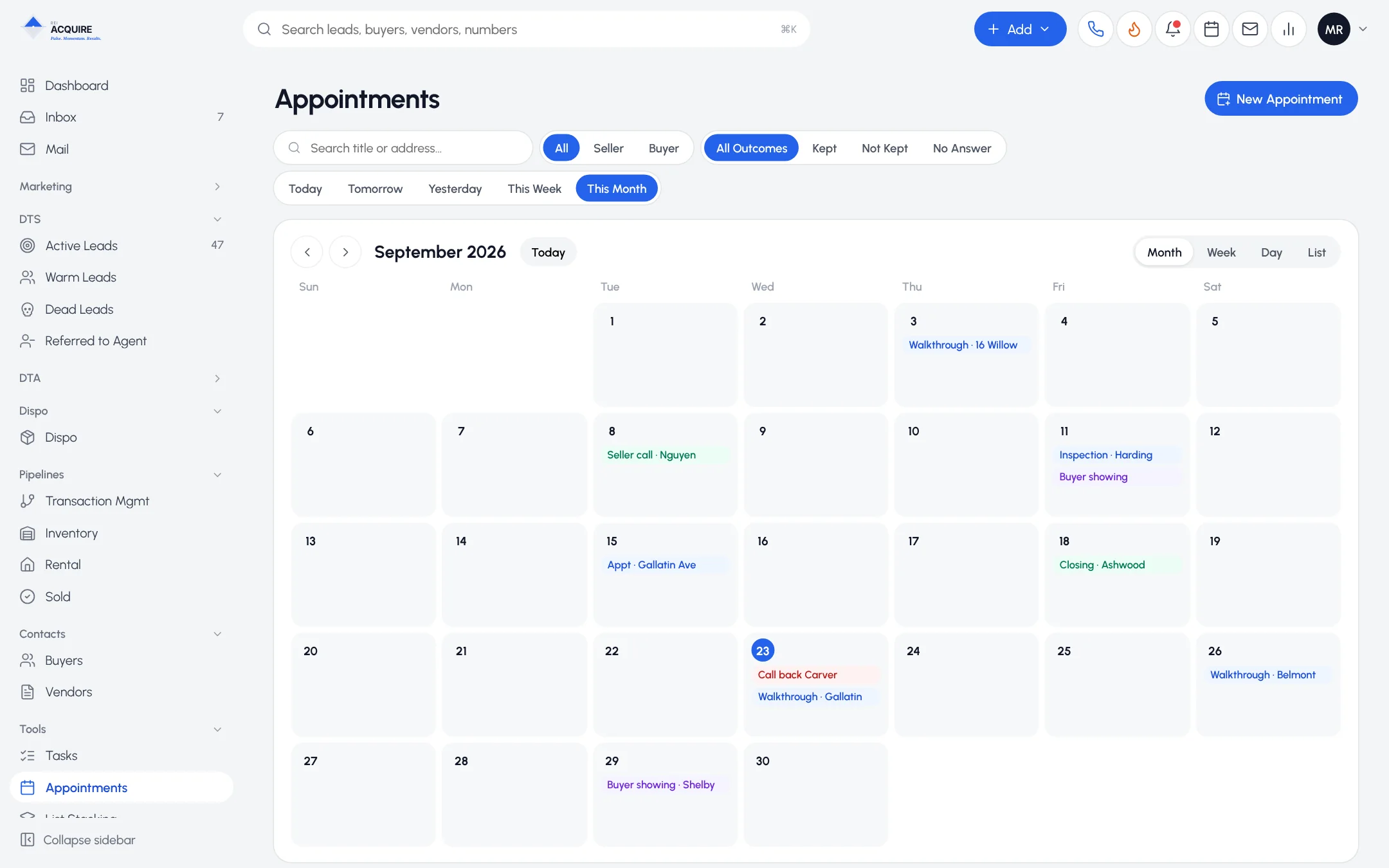
AI and spend controls
Who configures AI and who sees spend are separate permissions. See CRM AI.
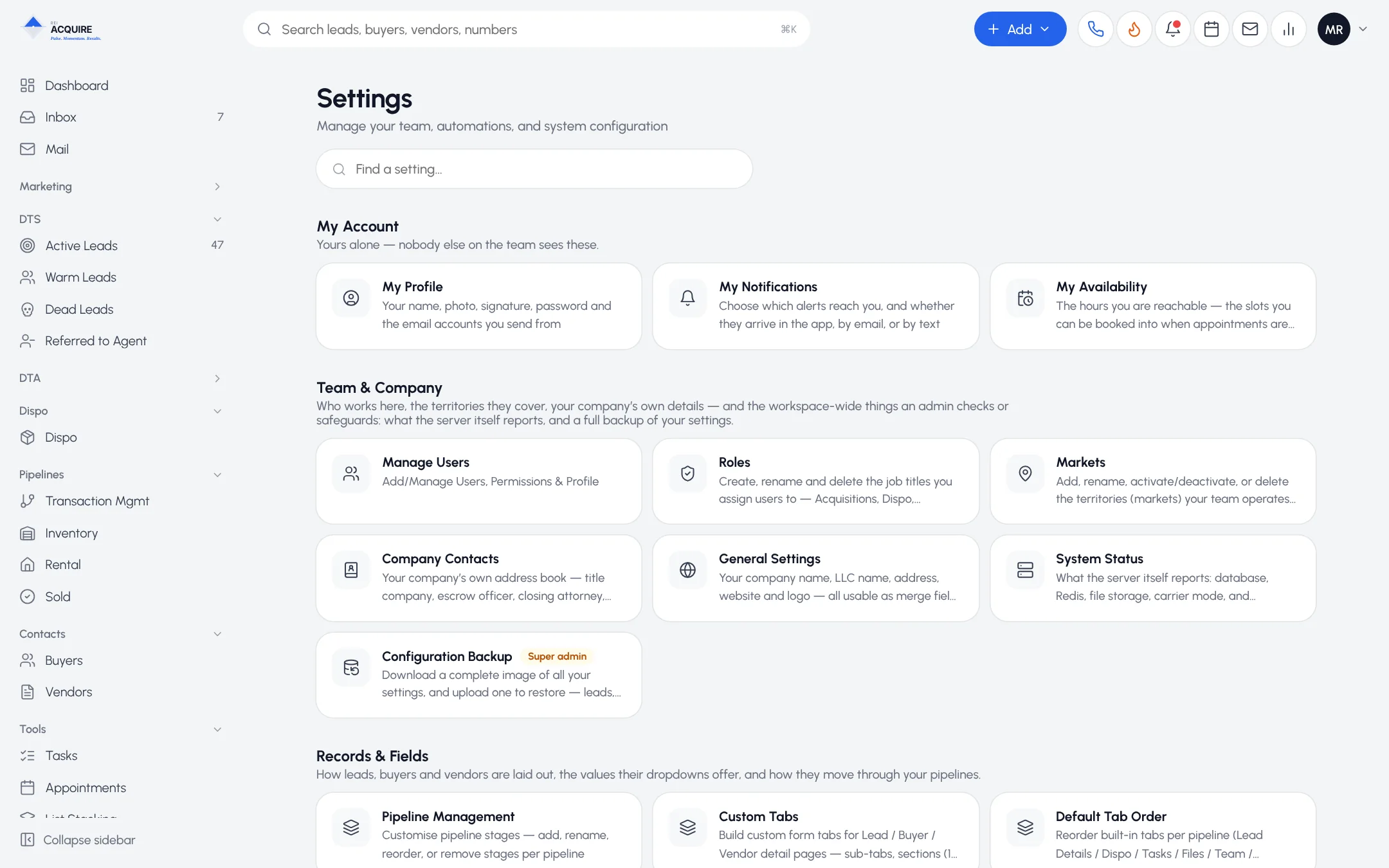
Configuration backup
A restorable copy of your pipelines, settings and permissions.
Frequently asked questions
Can two people in one role have different access?
Yes. Permissions are per user.
Can I hide another market's leads from a rep?
Yes.
Can a manager view without editing?
Yes. That's View Only.