
Cold Email for Real Estate Investors, Run From Your Lead Database
Your real inbox. Your outbound sequences. The sending setup behind them.
Stop running email in two places
Seller email in Gmail. Cold email in a separate tool. Replies your acquisitions team never sees. Bring it into one system.
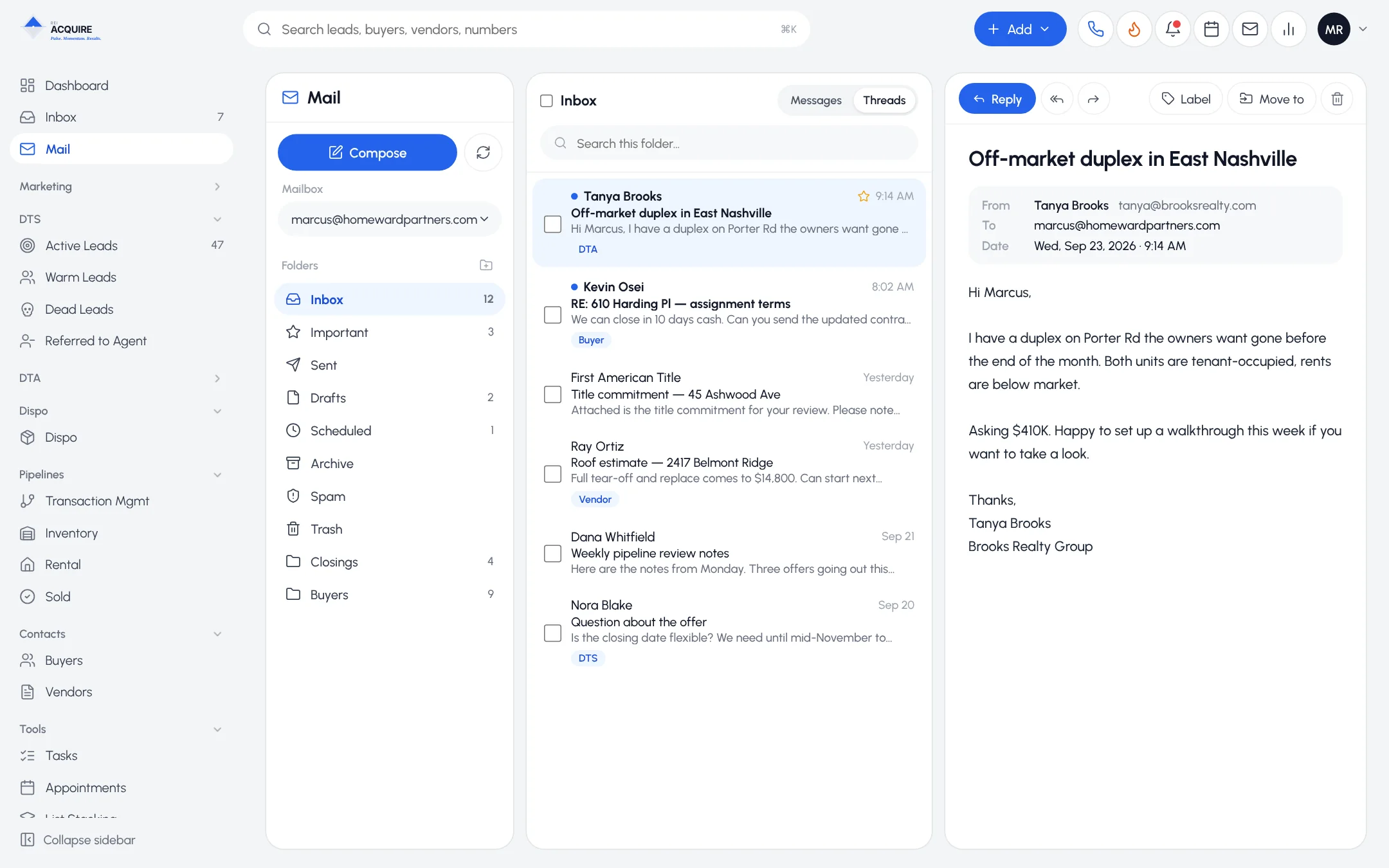
Your work mailbox, in the CRM
Connect your real mailbox. What you send from the CRM is in your real sent folder. Messages with known contacts attach to their record.
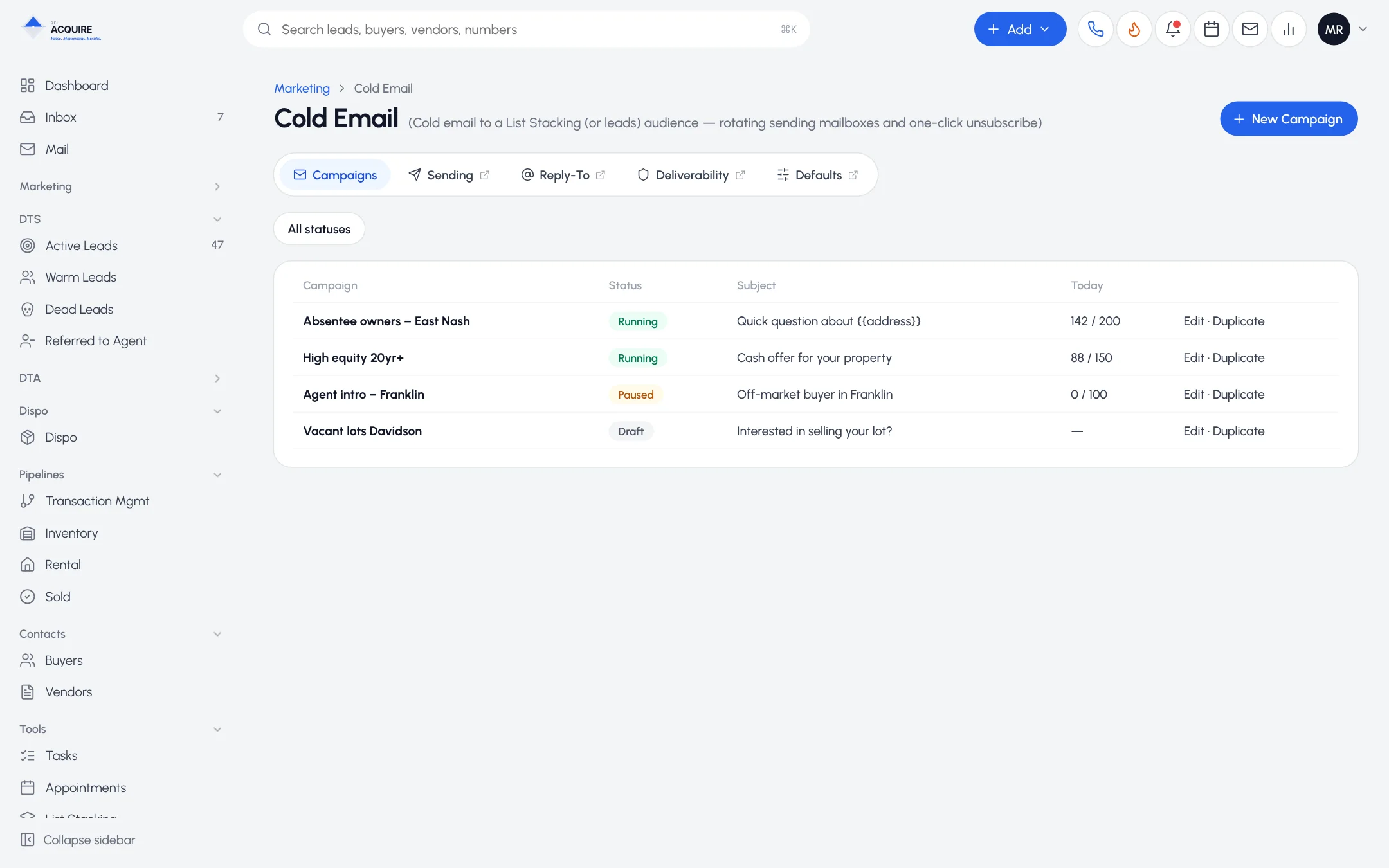
Cold email sequences
- Audiences from your own records
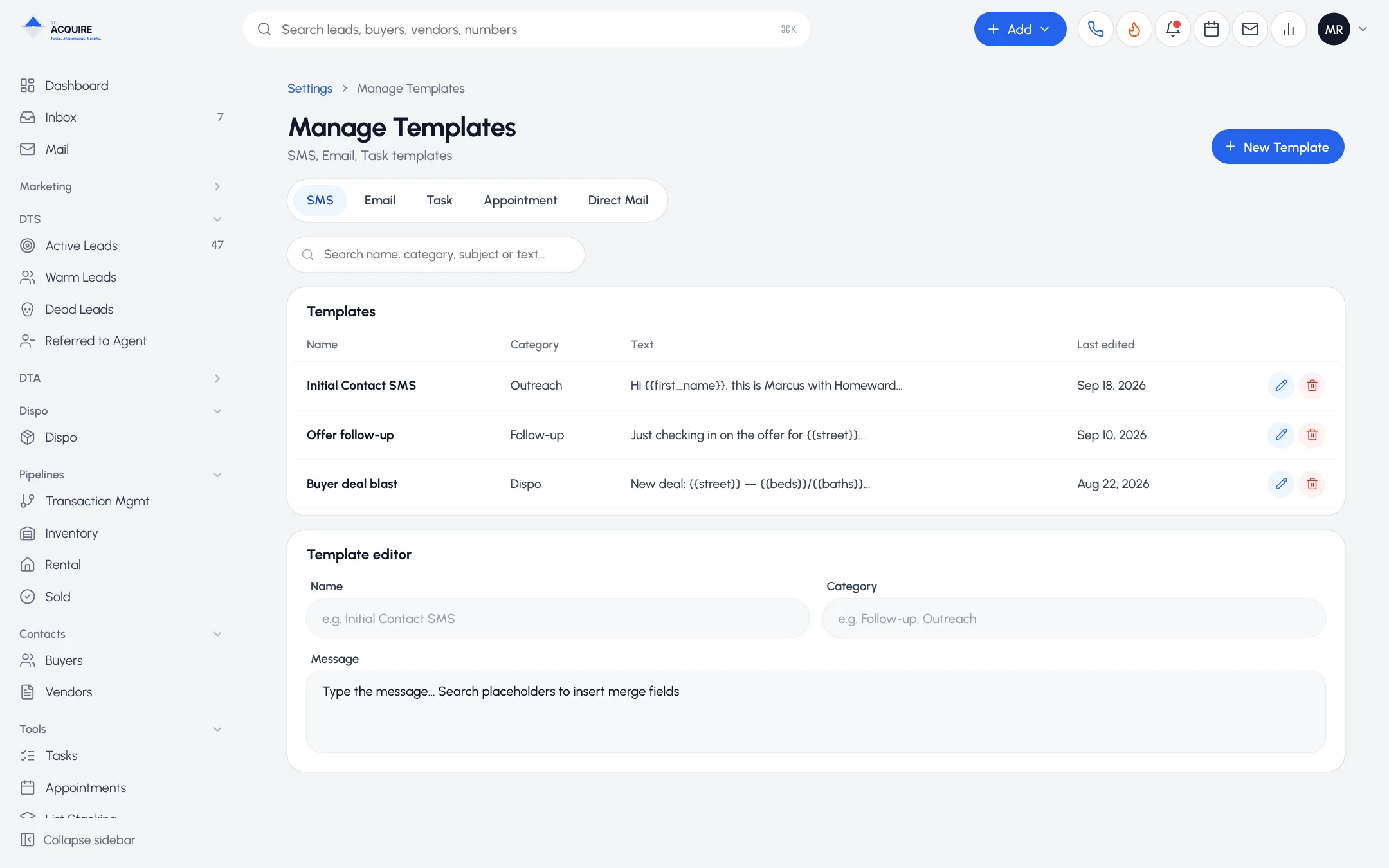
- Templates you reuse
- Multi-step sequences
- Opt-out handling
- Campaign management in one view
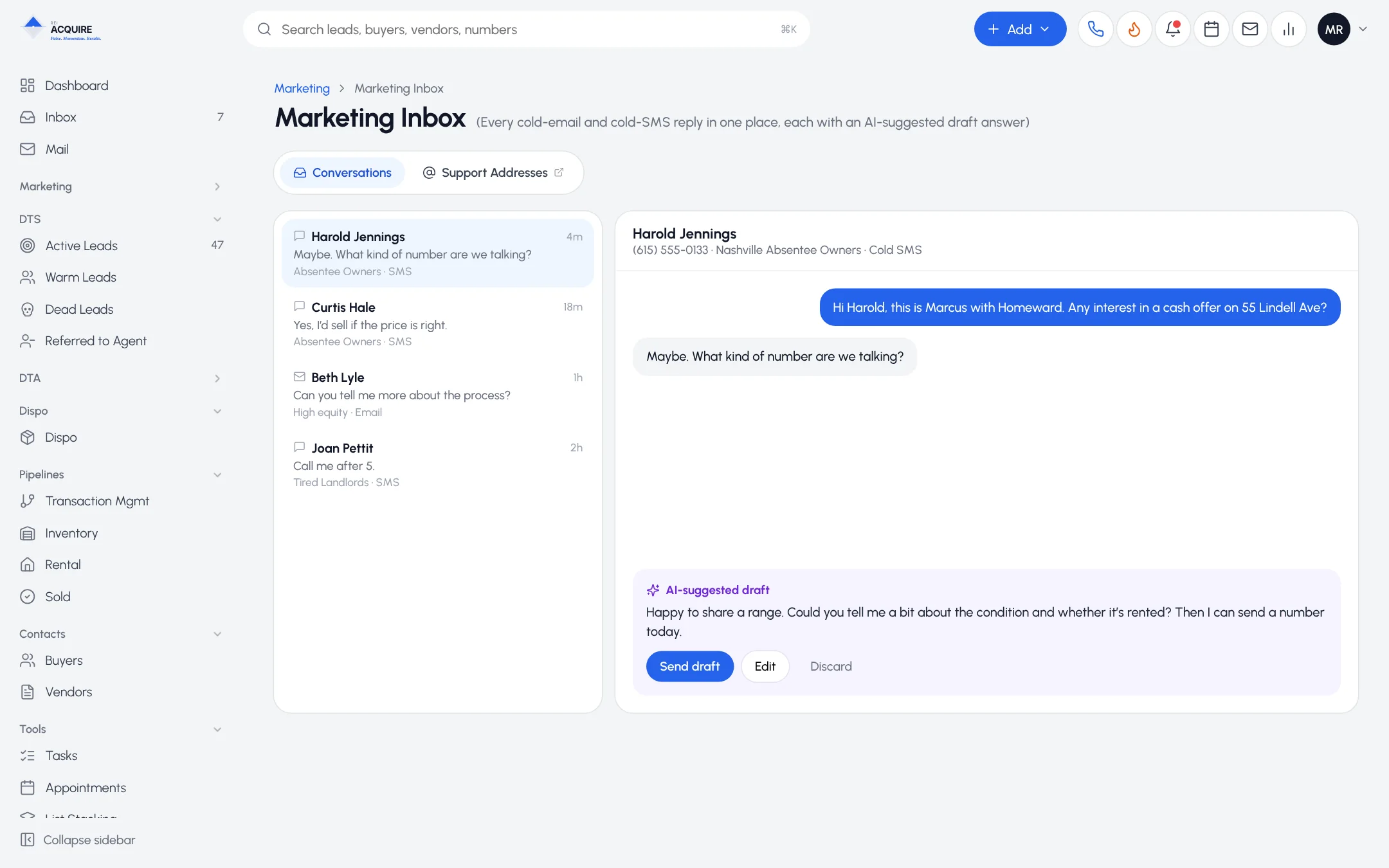
Replies connect to the lead.
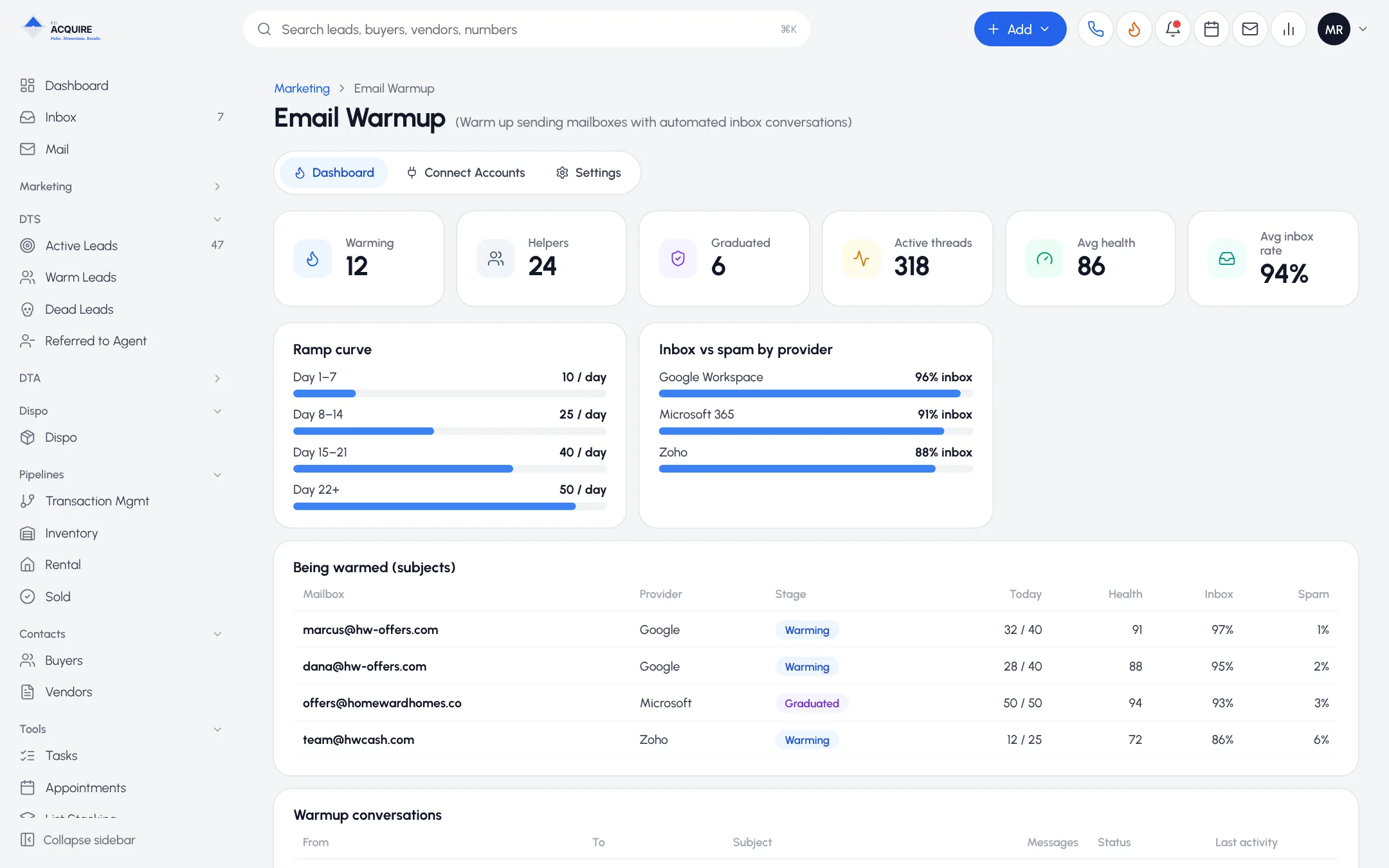
Deliverability is infrastructure
Good copy in a spam folder does nothing.
Sending mailboxes
set up for outreach
Email warmup
to help build sender reputation
Reply-to handling
so responses reach your team
Opt-out controls
tied to your DNC record
Drag-and-drop email builder
Design outreach templates, branded emails, follow-ups and buyer marketing. Save and reuse.
Frequently asked questions
Does CRM email show in my normal mailbox?
Yes. It works with your connected mailbox.
Do I need a separate warmup service?
No. Warmup is part of the sending infrastructure.
Does REI Acquire guarantee inbox placement?
No tool can. Warmup and sound setup help; list quality, content and volume still matter.